AgenticCutter
You read the rough cut as text and approve it.
Mac app · early version · agentic-cutter.com (opens another website)
What you do with it
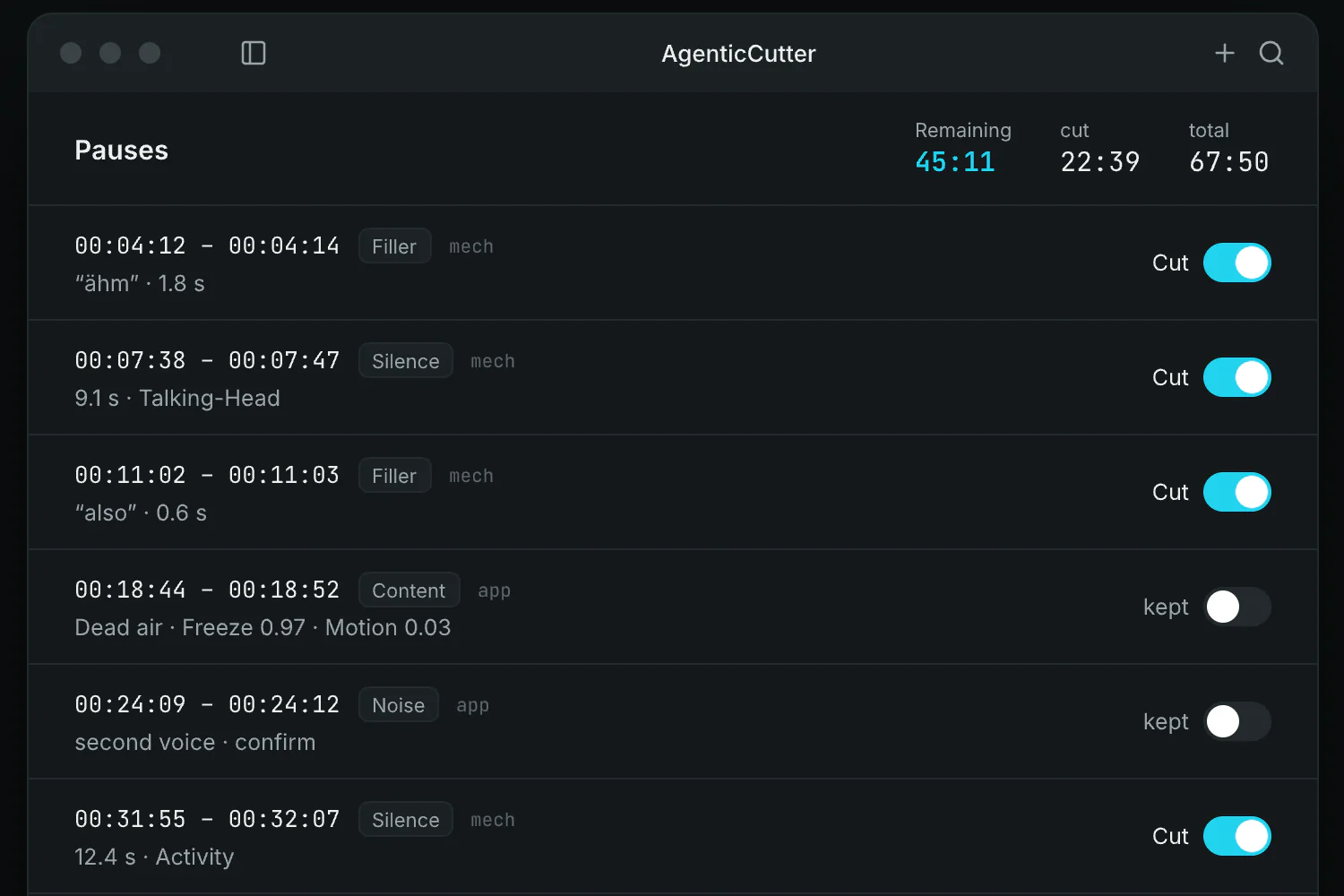
You have recorded a short clip with two ums, six pauses and one slip: “Let me say that again.” You drop it into the cutter, and it transcribes the clip on your Mac. The agent marks the spots; you go through the list and keep one pause because it lands well. Then you approve, and only then does it render.
- Who it's for
- For anyone who edits their own videos and would rather read text than click through waveforms.
- Where it stands
- An early version for Macs with Apple silicon. Transcription and cutting run on your Mac, and you decide what, if anything, goes to the cloud.
Step by step
Import your video
You drag your video into the app. To try it out first, you can open the sample project instead.
Transcribe locally
The cutter writes down what you say, word by word, on your Mac. The text then shows you where the cuts go.
Go through the suggestions
The agent suggests cuts, at filler words and pauses for instance. You switch each one to cut or keep.
Approve, then render
Nothing renders until you approve it. Without your approval there is no export.
How it works
- The language model
- reads the transcript and suggests cuts.
- The code
- transcribes with mlx-whisper and cuts with ffmpeg. Your video is not uploaded for editing.
Why it exists
Turning an hour of footage into a video cost me two to three hours at the desk. A machine finds the pauses and filler words, and I decide what stays in.