Orchestrator Desk
Your agents prepare the decision, and you make it.
Mac app · Working name, trademark check under way
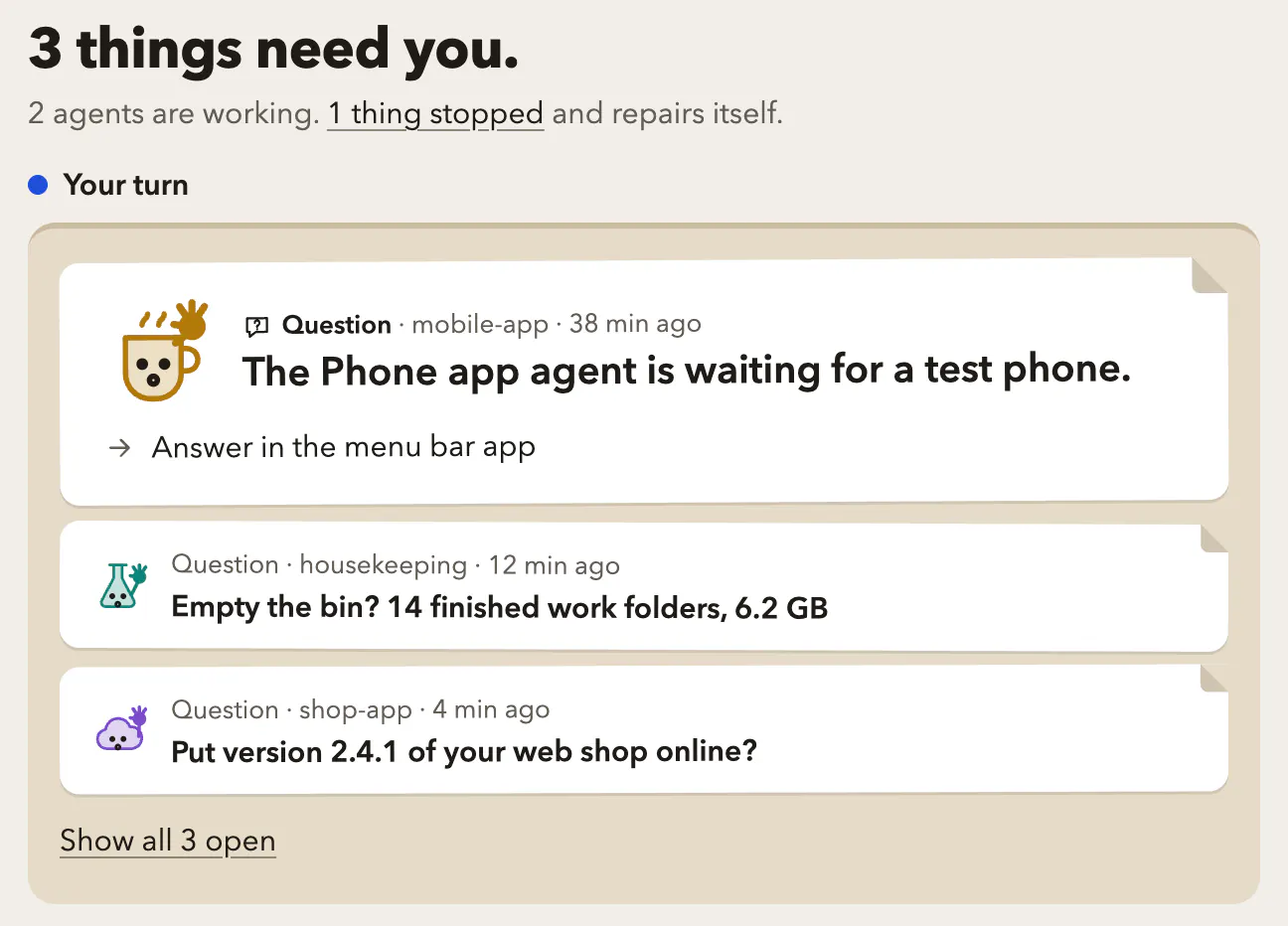
What you do with it
Several agents are working on your web shop while you are busy with something else. A number appears in the menu bar. You click it and a question sits there as a card: “Put version 2.4.1 of your web shop online?” The recommended answer, to put it online now, comes first, next to waiting until tomorrow, and you press 1.
- Who it's for
- For people who run several AI agents at once; today I am the one using it.
- Where it stands
- Runs on my Mac, macOS only, interface in English, no download. Orchestrator Desk is a working name, and the trademark check is still under way.
Step by step
At a glance
The number in the menu bar shows what is waiting. The dashboard in your browser shows whether you have to do something, and what; it only reads.
One question as a card
The menu bar always has exactly one question open. The recommended answer comes first, keys 1 to 4 choose, and the reasoning folds open.
Five seconds to reconsider
Your answer is held back for five seconds, and until then you can take it back.
Care with what is final
If something cannot be undone, there is no recommendation. Deleting takes a deliberate press and hold.
How it works
- No language model
- is involved here.
- The code
- holds your answer back for five seconds and asks for a deliberate press and hold before it deletes anything.
Why it exists
I run several agents at once and wanted to see at a glance whether I have to do something, and what.